
A homegrown Linux automation tool — the SSH console that replaces Ansible.
Green install: nothing to prepare. A JRE ships inside the package, so there is no JDK to install and no environment variables to set — unzip it and run startup. It drives machines over plain SSH, so targets need no agent. One browser tab for your whole Linux fleet.
Nothing to install. Unzip and run.
Tools in this space usually start by asking for a JDK, a Python setup and an agent on every machine. This one asks for none of the three.
No JDK
A JRE ships inside the package. The startup script picks the x86_64 or aarch64 build from uname -m and launches with it — no JAVA_HOME, no yum install java.
No setup
Unzip and run ./startup.sh. Port 8766, the SQLite database and the sample data are all part of the package: no config file to edit, no dependency to add.
No agent
Plain SSH — the target needs port 22 open and a working account. Nothing to deploy, no extra port, no Python runtime.
Nothing left behind
No system directories, no registered services, no kernel modules. The whole program is one directory; delete it and the machine is as it was.
Sound familiar?
What you get
Six things you would otherwise do by hand — with the limits of each spelled out, so you do not find them the hard way.
Bulk install
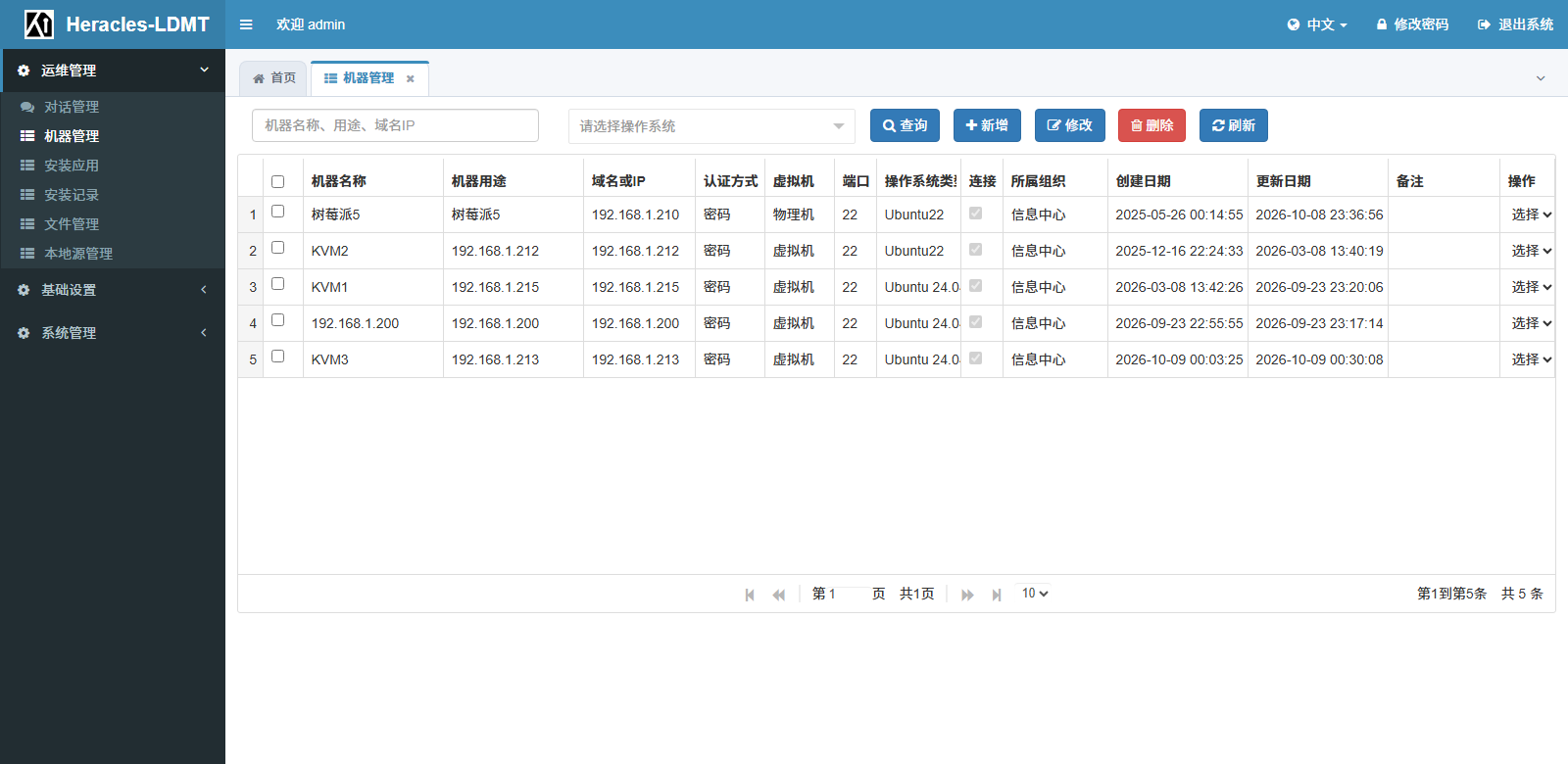
Pick an application, pick machines, start. Every machine streams its own console, so you can see which one broke and where.
Applications and commands
Commands are the blocks; an application is the sequence. Four command types and global variables — no YAML to learn, no inventory file to keep.
Distribution aware
Debian, Red Hat, SUSE, Unix or other — the right package and mirror commands are chosen per machine. Kylin and UOS are their own types.
File manager
Browse, upload, compress, change permissions. A two-pane browser over the same SSH connection, with a dedicated landing directory for ISOs.
Web terminal
A quick fix no longer needs a second terminal app on your desktop. Close the tab and the connection closes.
Audit trail
Every install, on every machine, with its exit code and full output. Roles and departments decide who sees what.
No YAML. A command is a block.
Most tools in this space describe a task in YAML, which has a learning curve. Here the idea is flatter: a command is a block, a few blocks make an application, and variables inside a command are replaced per target machine at run time.
One command, two distribution families
Both the source-refresh step and the install step differ per family. So both are variables — share what to install, not how to install it.
- Four command types: returns, takes arguments, runs without returning, uploads a file
- Variables include $IP$, $LOGIN_NAME$, $BASE_DIR$ and the install / mirror commands
- Commands are reusable across applications — change once, applied everywhere
# As written in the application
$SOURCE_INSTALL_COMMAND$ && $PACKAGE_INSTALL_COMMAND$ -y nginx

# What 192.168.1.31 receives (Debian family)
apt-get update && apt-get install -y nginx

# What 192.168.1.52 receives (Red Hat family)
yum makecache && yum install -y nginxRunning in three steps
No JDK, no database, no config file. One package, one port, one browser tab.
Unzip
You get the jar, the startup script and a jre directory. The target machine only needs sshd running.
Run ./startup.sh
It unpacks the bundled JRE for this architecture, starts in the background and prints the log and the URL.
Sign in, add a machine
Open http://server-ip:8766/ , sign in as admin / admin, and change the password right away.
Where it fits, where it does not
Placing it correctly is more useful than overselling it.
| Aspect | Heracles LDMT | Ansible | Manual SSH |
|---|---|---|---|
| Learning curve | ✓ install and go | ~ YAML and inventory | ✓ none |
| Target requirements | ✓ SSH only | ~ Python runtime | ✓ SSH only |
| Server-side dependencies | ✓ JRE bundled, unzip and go | ~ Python plus deps | ✓ none |
| GUI | ✓ file manager + terminal | — CLI | — none |
| Bulk install progress | ✓ per-machine live output | ~ read the log | — manual loop |
| Install records | ✓ automatic | ~ needs a log pipeline | — none |
| Domestic distributions | ✓ Kylin and UOS are first-class | ~ adapt yourself | ~ tribal knowledge |
v1.0.0
Try it in the browser
The demo site is still being set up. Until then, run the package locally — it is the same build, and it comes with sample machines so the console is not empty.
Connect your first machine today
One jar, one port, one browser tab. If it does not fit, you have lost ten minutes.